Hi {{Lived-Mailing-Name}},
|
Our team is getting so excited about your arrival on campus in August! Below, we have included relevant information as you continue to work on your New Student Checklist items, attend your course registration appointment, tune in to virtual New Student Insight Sessions, and more!
|
|
|
|
Submit your required Immunization Forms by July 1st
|
Obtain your immunization documents from your healthcare provider(s), and upload them into the myWellbeing portal. Learn more about the requirements and how to submit your forms: Immunization Requirements at UVM.
Have questions? Contact health@uvm.edu.
|
Schedule your course registration advising appointment ASAP
|
On June 1st, you received a message in your UVM email inbox from your college with detailed instructions on how to schedule your advising appointment in Navigate 360. All undergraduate students automatically have access to Navigate360 and you can login using your UVM NetID. Please refer to your email for instructions on how to schedule your appointment.
✅ You must attend your course registration appointment to finalize your fall schedule.
⏰ Appointments are currently being scheduled between June 8 and July 2. Having a hard time finding an appointment time that works with your schedule? Reach out to Student Services at your college or school.
☎️ Log in to Microsoft Teams with your UVM credentials a few minutes before your scheduled time and your advisor will call you - no meeting link needed.
|
Submit your Health Insurance Decision/Waiver by July 1st
|
After you attend your course registration appointment, you can submit your Health Insurance Decision/Waiver. If you have adequate health insurance coverage in Vermont and you do not want UVM Student Health Insurance, you must submit your waiver by July 1 or you will be automatically enrolled on Student Health Insurance and billed for the insurance. To find the waiver, log into your myWellbeing portal.
|
|
|
|
Set up your CATcard - Digital Student ID Card
|
Your CATcard is your official UVM identification. It provides access to your meal plan, residence hall, library, fitness center, and more. Follow these guidelines on the Webcard Center webpage to upload your passport-quality photo and a copy of a government-issued ID (ex. driver's license/passport).
You will register for your CATcard on the Webcard website.
|
Update your Emergency Contact, Local Address, Missing Person, & CATAlert Info
|
Before you arrive on campus, make sure to complete your emergency contact information for the CATAlert system. This is essential so we can reach you, or someone close to you, in the event of an emergency.
To update your CATAlert details, log in to your myUVM student portal. For step-by-step instructions, visit the CATAlert - Campus Alerting System page and scroll to the “How to update your information: Instructions for Students” dropdown.
|
|
|
|
Upcoming ZeeMee Live Event
|
Tuesday, June 16th at 7:30 pm ET - Catamount Mix & Mingle
|
|
|
|
|
|
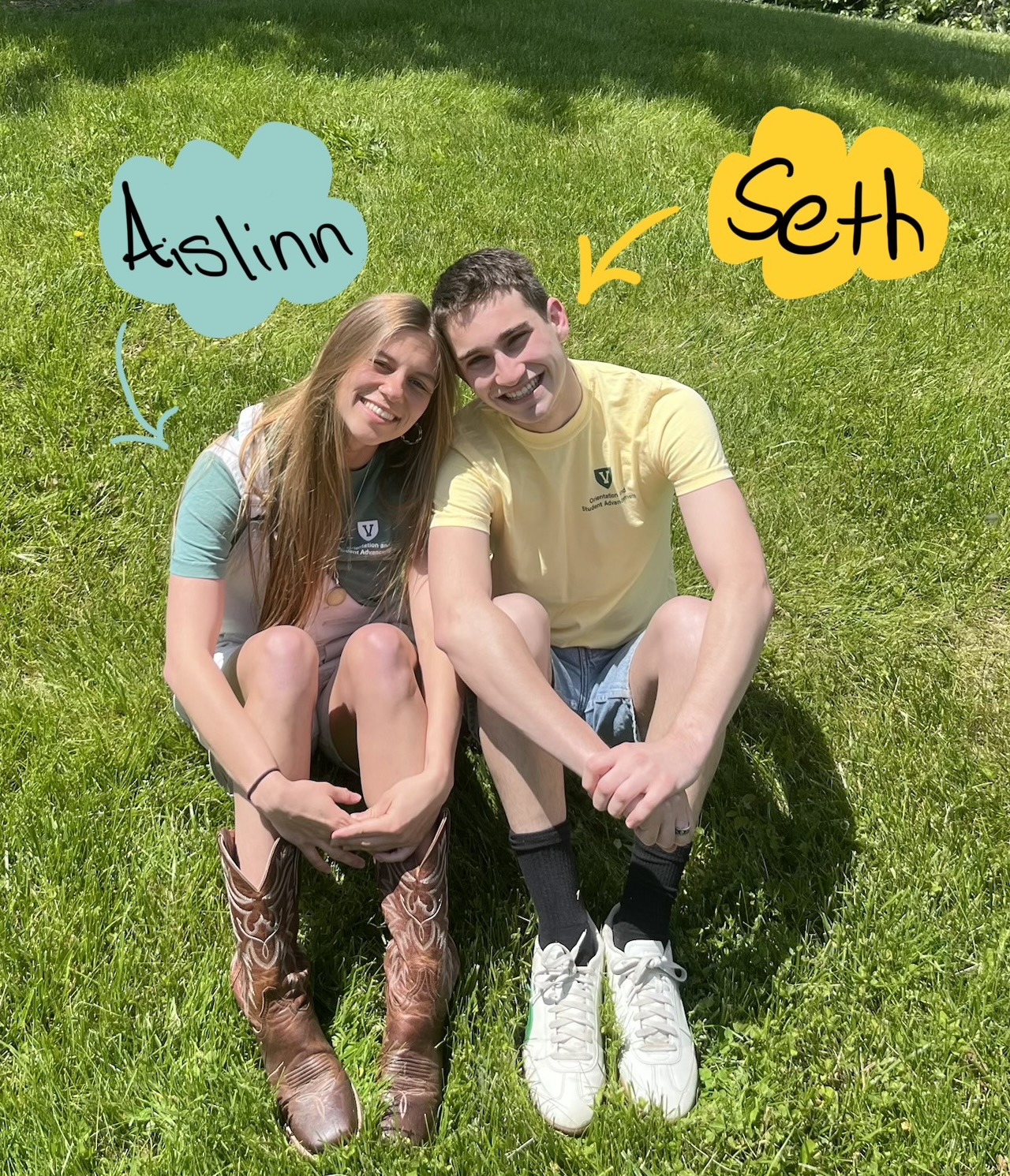
Join UVM student influencers Seth and Aislinn for an upcoming ZeeMee live event! Seth and Aislinn are both Juniors, experienced Orientation Leaders, and Business majors. They are excited to chat with you and help you to connect with other new students.
|
What is a live event on ZeeMee?
It’s a real-time group chat hosted in the app where you can connect with fellow incoming students. No camera needed, just log in, chat, and enjoy!
|
|
|
|
|
Monday, June 22nd at 7pm ET - Introduction to Student Accessibility Services (SAS)
|
During this session, you will meet staff from the Office of Accessibility Services, learn about the comprehensive support offered, the resources available, and the accommodations process.
SAS can help students with academic accommodations such as extended time for exams, physical accommodations like parking on campus, or mental health accommodations such as applying for an emotional support animal or a single room in a residence hall.
|
* All virtual sessions are held in the Eastern Standard Time Zone. *
|
|
|
|
UVM GO Pre-Orientation Programs
|
UVM GO Community is not just a pre-orientation program - it’s a preview of the kind of interdisciplinary, experiential learning UVM leans into! When you enroll in UVM GO, you get to move into your permanent room three days before the start of New Student Orientation! You also get to meet other incoming students, engage in fun and enriching activities in the Burlington area, and start to feel confident navigating campus - all beneficial in helping you feel comfortable in your new home!
Now that you know your Learning Community, visit the UVM GO Community website and read about the program options available to you in your Campus Zone - you're sure to find the one (or two or three) for you! Whether you want to learn to sail (Redstone Zone), or practice qigong (North Central Zone), or collect honey from the hive (Athletic Zone), you'll find your place in one of our 10+ options!
To learn more, visit the UVM GO Community website and submit the UVM GO Community Program Interest Form. We'll reach out to you within a few days to let you know if there's a spot for you in your preferred programs! Programs are filled on a first-come, first served, rolling basis throughout the summer, so get in touch soon to secure your spot and get a meaningful head start on campus this fall!
|
|
|
|
Respect | Integrity | Innovation | Openness | Justice | Responsibility
|
|
|
|
|
Burlington, Vermont 05405 | (802) 656-4136
|
|
|
|
|
|