Hi {{Lived-Mailing-Name}},
|
We are more than halfway through the summer, which means we are one step closer to welcoming you to campus this fall for New Student Orientation. There are several virtual events coming up that we are excited for you to join, and important homework items for you to do before you arrive.
Plus, here’s an exciting incentive to keep you motivated: if you complete the following items on your New Student Checklist, we’ll give you a pair of UVM-themed Darn Tough socks!
* Set up your CATCard on your phone (multi-step)
* Submit your Final Transcript
* Complete your Vector Learning Modules
* Complete your Club Interest Survey
* Complete your Pre-Enrollment survey
* Complete your CHWB Health History Form
* Submit your CATAlert information
We’ll be keeping track of your progress and will reach out to you once you’ve completed everything.
|
|
|
|
New Student Insight Session - TONIGHT💡
|
|
|
|
Join us tonight, July 8, at 7pm ET with the Center for Health and Wellbeing (CHWB) to explore the various health and wellbeing services offered to you as a student at UVM. This virtual session will provide an overview of resources like counseling, primary care, and wellness programs to support your physical, mental, and emotional health.
|
|
|
|
Vector Solutions Learning Modules due August 14th
|
|
|
|
Empower, prepare, and educate yourself on important topics that impact our campus community through three required online trainings - Understanding Alcohol and Other Drugs, Mental Wellbeing, and Sexual Violence Prevention for Undergraduates.
These interactive modules are available now and typically take 45–90 minutes each to complete. Be sure to give yourself enough time and complete all modules by August 14th.
Once finished, this item will move to the completed section of your New Student Checklist!
|
|
|
|
|
Your CATcard is your official UVM identification. It provides access to your meal plan, residence hall, library, fitness center, and more. Your CATCard is installed on your phone and can take some time to set up and you'll want to have it ready before you arrive on campus!
First, Follow these guidelines on the Webcard Center webpage to upload your passport-quality photo and a copy of a government-issued ID (ex. driver's license/passport). Once your photo and ID are reviewed, you can do the next steps.
Next, if you have not yet downloaded Duo Mobile app, set that up on your phone.
Finally, download the GETMobile app and add your CATCard to your cell phone.
Having trouble with any of these steps? Contact the CATCard office at catcard@uvm.edu or by phone during business hours at 802-656-4509.
|
|
|
|
Cat$cratch is a UVM debit account that can be used on campus and at some locations off campus around Burlington.
You (or your family and supporters) can make deposits to your account online, at Kiosks on campus, or via the GETMobile App. If you have an on-campus job, you can have some or all of your paycheck deposited into you Cat$cratch account!
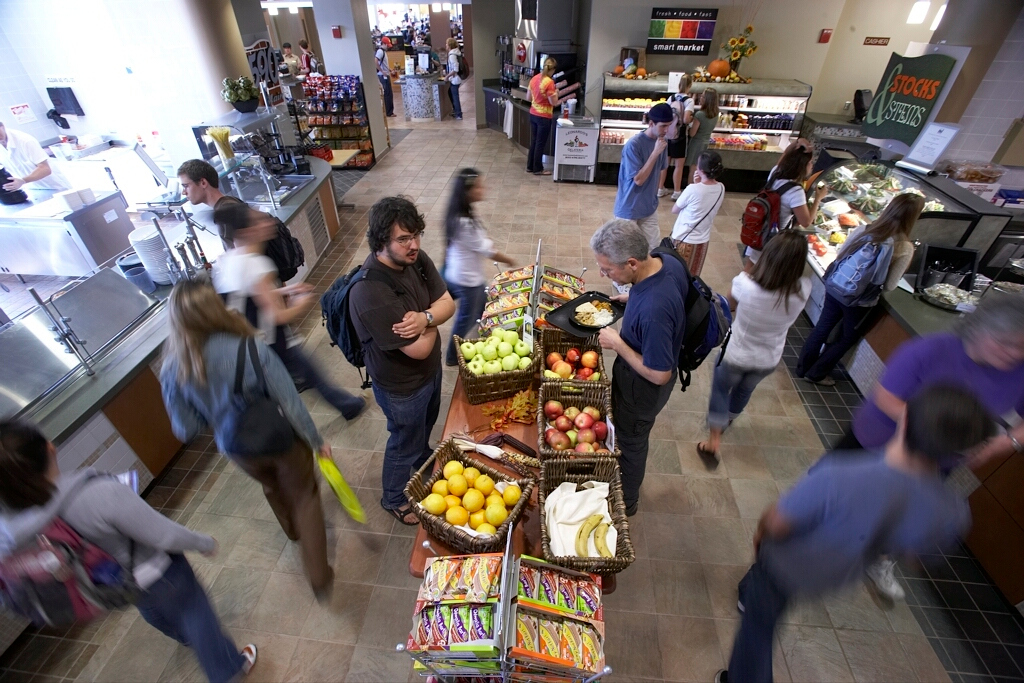
You can use Cat$cratch at all the dining locations, just make sure you let them know you are not using meal points when you check out. You can also use it at the bookstore, the library, the campus rec center, and other locations you may need to make purchases or pay fees on campus.
Off campus, you can use Cat$cratch at local restaurants like Folinos Pizza and Wings Over Burlington; at grocery stores like City Market, Healthy Living, and Hannaford near campus; and at select CVS and Kenny Drug Stores.
|
|
|
|
Respect | Integrity | Innovation | Openness | Justice | Responsibility
|
|
|
|
|
Burlington, Vermont 05405 | (802) 656-4136
|
|
|
|
|
|